- Gem Rate
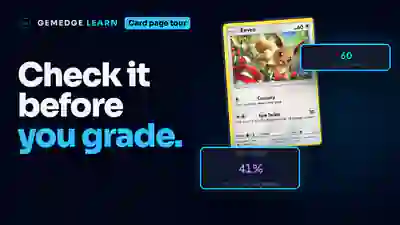
- The share of a card's graded copies that came back a PSA 10. It describes the population of copies already graded, not what your copy will get.
- GemScore
- GemEdge's 0 to 100 score for how strong a grading pick a card is today. It weighs profit, Gem Rate, sales and more into one number.
- Raw price
- What an ungraded copy of the card sells for.
- PSA 10 Profit
- What you clear if the card comes back a PSA 10, after the card itself, grading, shipping and selling fees.
- PSA 9 P/L
- What you make or lose if the card comes back a PSA 9 instead. The downside to check before you send a card in.
- ROI
- Your PSA 10 profit compared with what you put in, so cards at different prices can be compared.
- All-in cost
- The card, grading and shipping together: everything you put in before you sell.
- Grading tier
- The PSA service level you send a card at. GemEdge starts on the cheapest level that covers the card's PSA 10 price, and a faster level costs more.
- Printing
- One variation of a card, like the regular holo or a reverse holo. Each printing has its own prices.
- Graded Sales
- How often graded copies of the card sold in the last thirty days, from very low to very high.
- Best Case and Worst Case
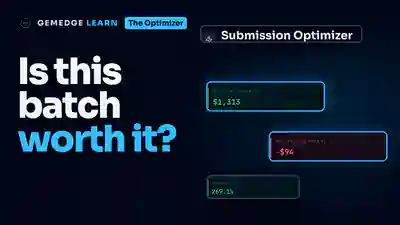
- In the Optimizer, what a batch of cards makes if every card comes back a PSA 10, and what it makes or loses if they all come back a PSA 9.
- Buying session
- A group of cards in Submissions that go to PSA in the same box.
- My costs
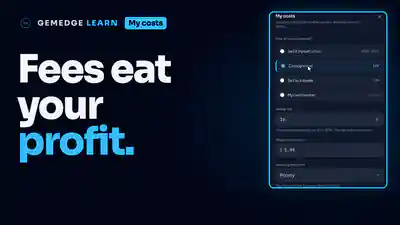
- Your selling fees, shipping, supplies and default grading tier. Every profit number in GemEdge uses them.